Live listings for "2017 Toyota Camry side mirror"
Best price first · new & used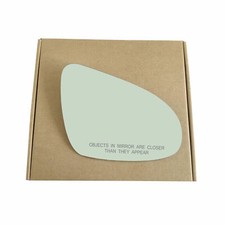


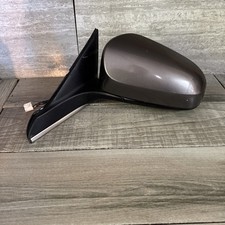


Live results from eBay Motors, ranked by landed price. Click a listing to view or buy on eBay.
More places to search
Each opens in a new tab, pre-filled where the site allows it.
Used / salvage yards — opens car-part.comOpen → eBay Motors
New + usedOpen → Google Shopping
New / aftermarketOpen → RockAuto
New / aftermarketOpen → CarParts.com
New / aftermarketOpen →
On car-part.com, choose — Part: Mirror, Door · Model: Toyota Camry · Year: 2017, then Search. (Their site requires selecting these on its own form.)
How it works
A VIN, a Year/Make/Model, or just an OEM part number. A VIN auto-decodes the exact trim and engine.
Your part name is mapped to the exact terms each marketplace uses — so "front fender" finds the right listings.
Open salvage yards and new/aftermarket sellers side by side and grab the best price or the soonest availability.
Frequently asked questions
How do I find a used car part by VIN?
Paste the 17-character VIN. We decode the year, make, model and engine from the free NHTSA database, then build a pre-filled used-parts search on car-part.com (the salvage-yard network) plus new-parts searches on eBay, Google Shopping and more.
Can I search new and used parts at the same time?
Yes. One search opens both used/salvage sources (car-part.com, eBay) and new/aftermarket sources (Google Shopping, RockAuto, CarParts.com) so you can compare price and availability side by side.
Is the parts finder free?
Completely free. It's a tool from AutoShopCRM, the shop-management software built for collision and mechanical shops.
What if I only have the OEM part number?
Enter the manufacturer/OEM part number on its own and we search that number directly across the marketplaces.
Want the full method — salvage grades, landed-price math, OE vs. OEM vs. aftermarket? Read the parts-sourcing playbook.
Running a shop? AutoShopCRM keeps every job, customer and estimate on one screen.
Try AutoShopCRM free →